Works with the browser you already use
- Safari
- Chrome
- Edge
- Brave
- Arc
- Vivaldi
- Opera
- Opera GX
- Dia
- Helium
- Yandex
- Decentr
- Wavebox
Tab import and session restore on Mac. See browser details
TabLinker saves full browser sessions from 13 browsers, including Safari, Chrome, Arc, Edge, Brave, Vivaldi, and Opera, so you can close tabs now and restore everything later.
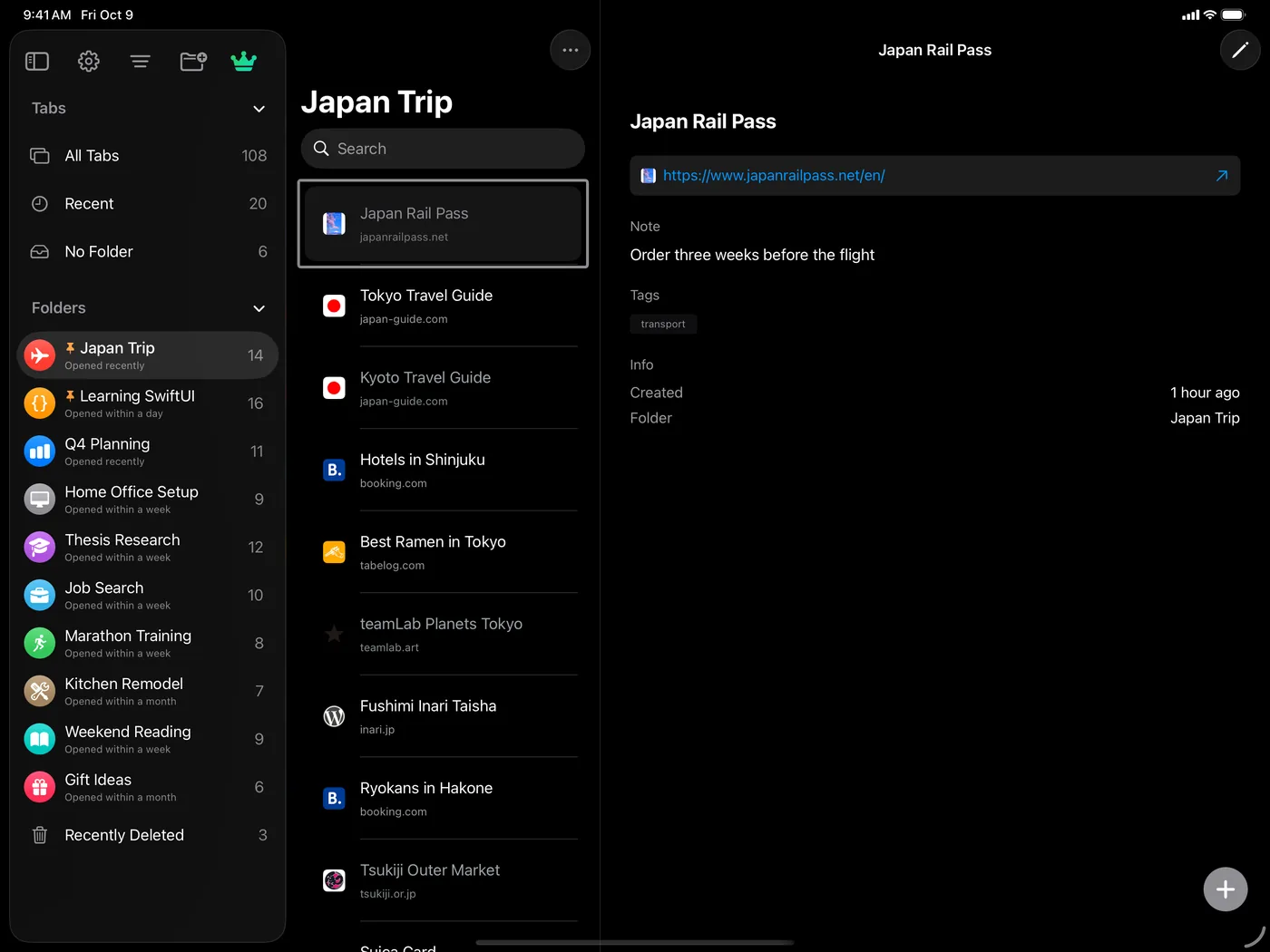
Syncs across iPhone, iPad, and Mac with iCloud.
Tab import and session restore on Mac. See browser details
Mac-first session power, plus cross-device organization.
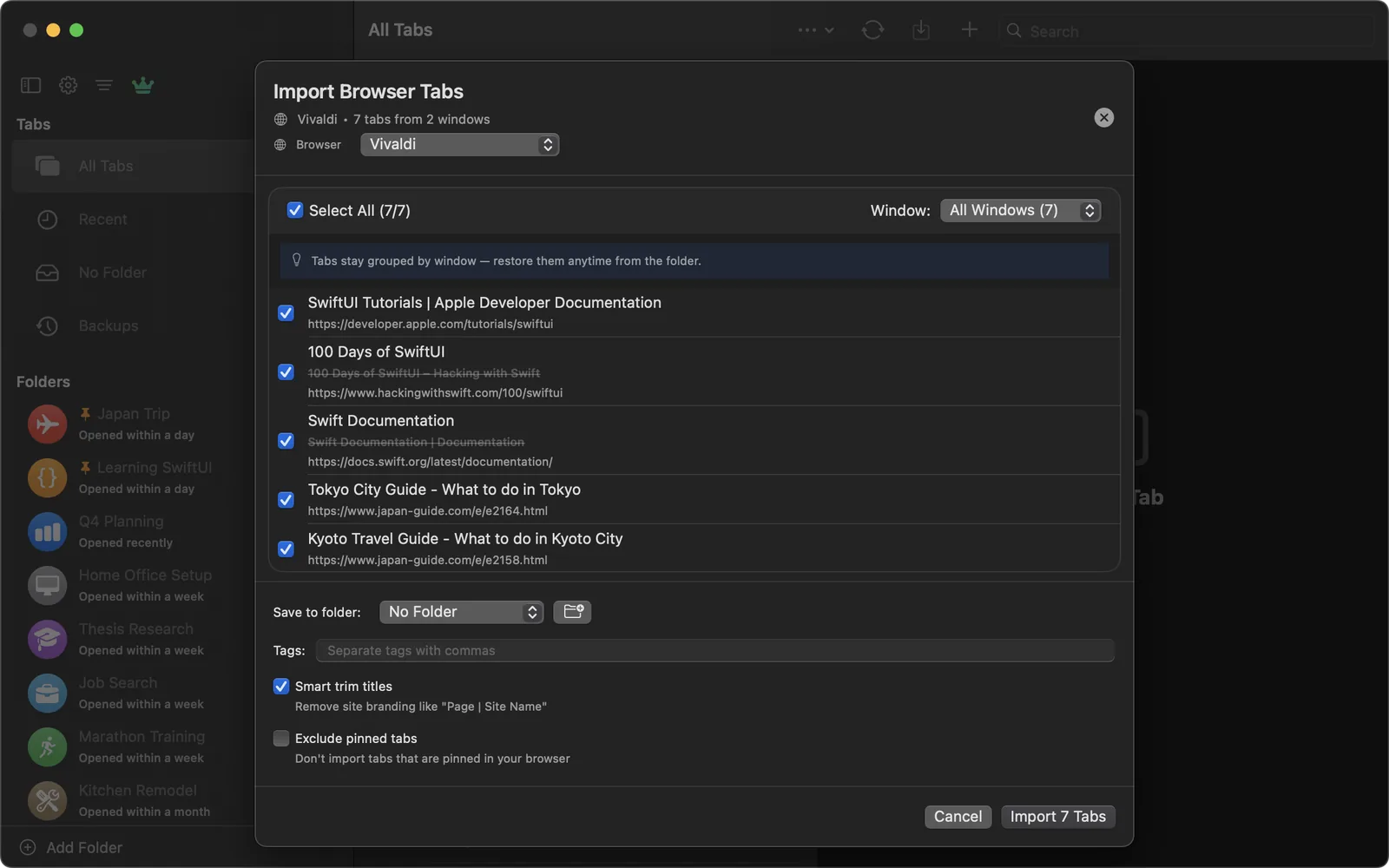
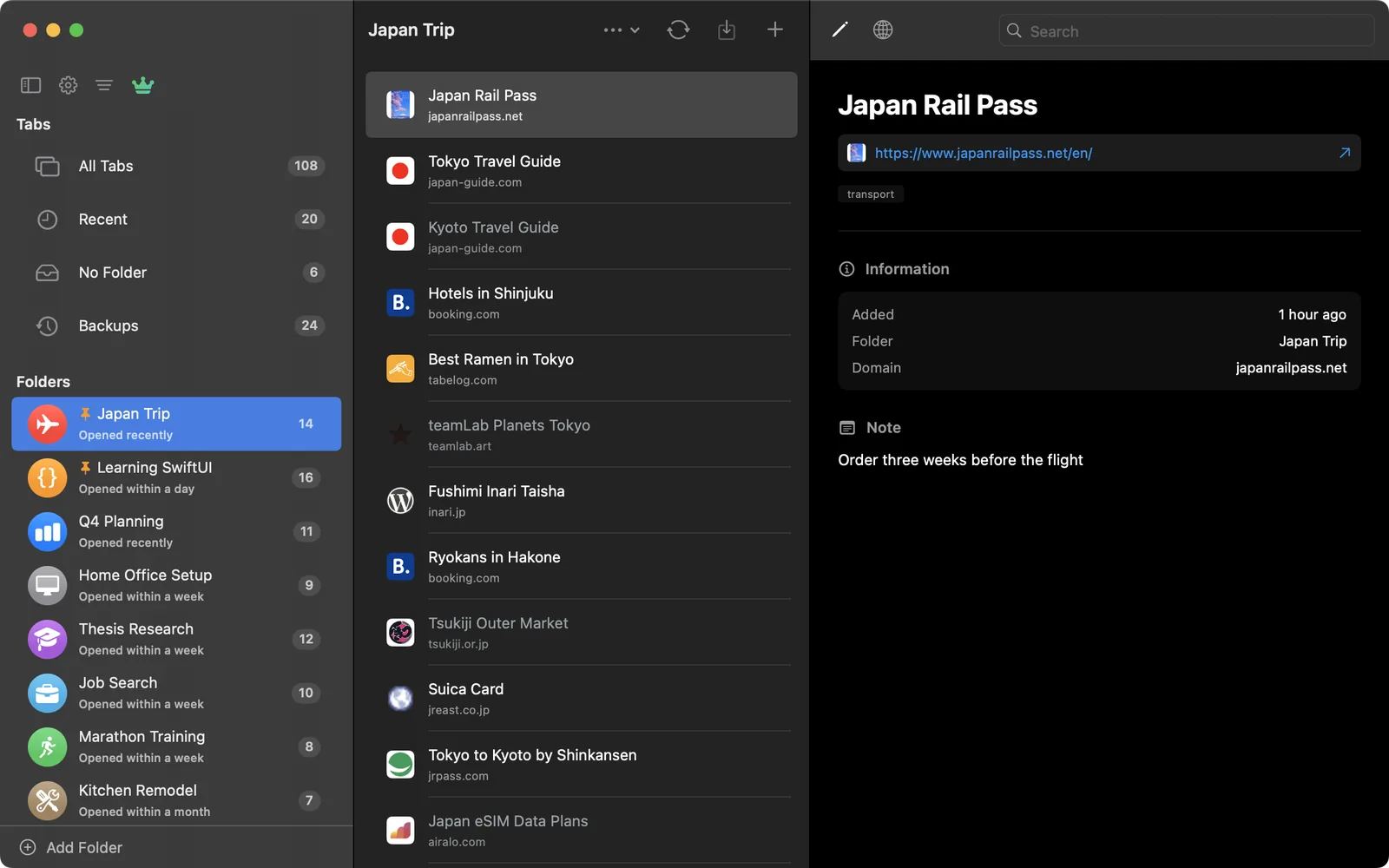
Pull in every open tab from Safari, Chrome, Arc, Edge, Brave, Vivaldi, Opera, and more in one click. Tabs stay grouped by the window they came from, and private windows are skipped.
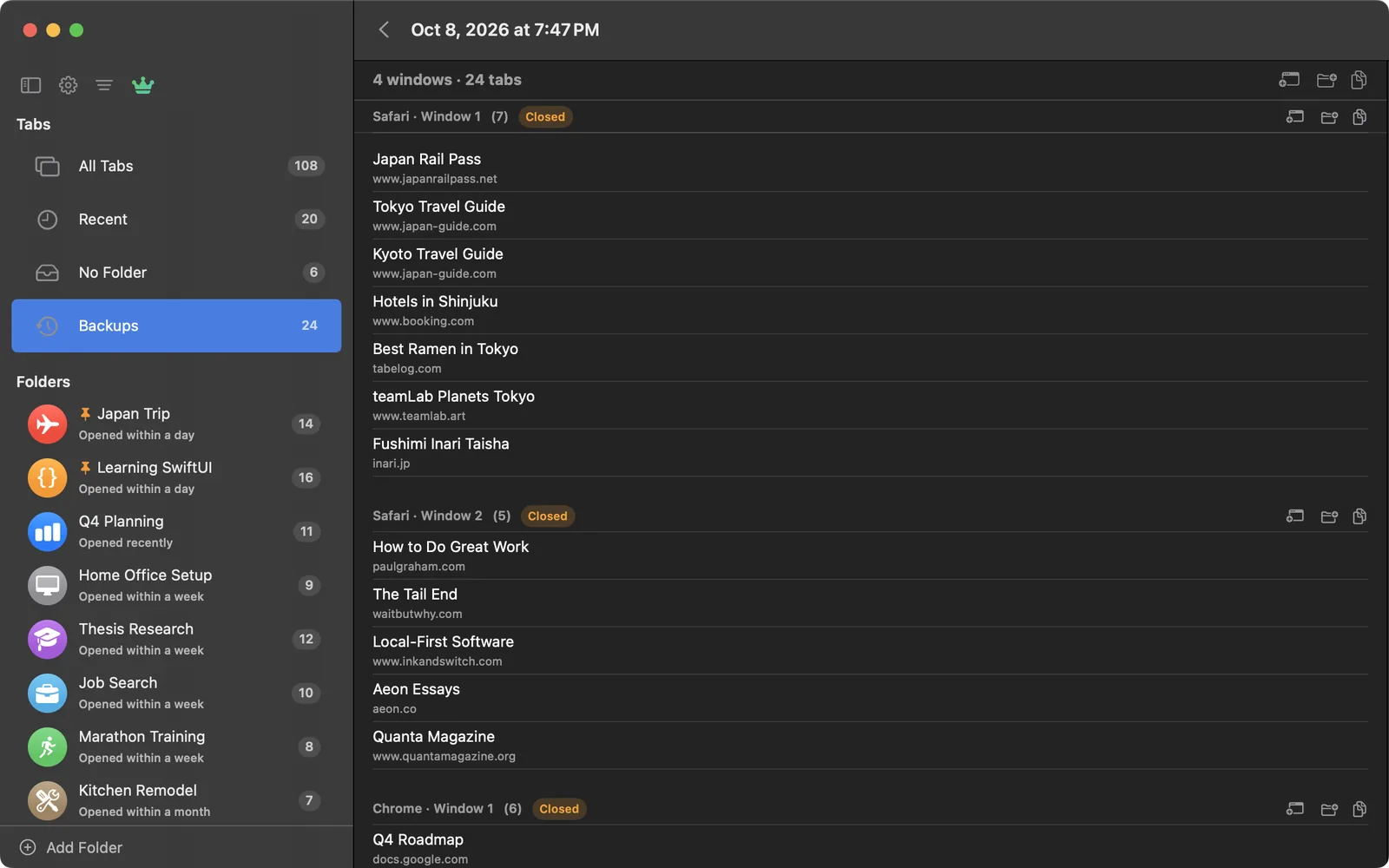
Auto-Backup quietly saves the windows open in your browsers every 15, 30, or 60 minutes, when you switch away, and before your Mac sleeps. Closed one by mistake? Bring it back from Backups, even the next day.
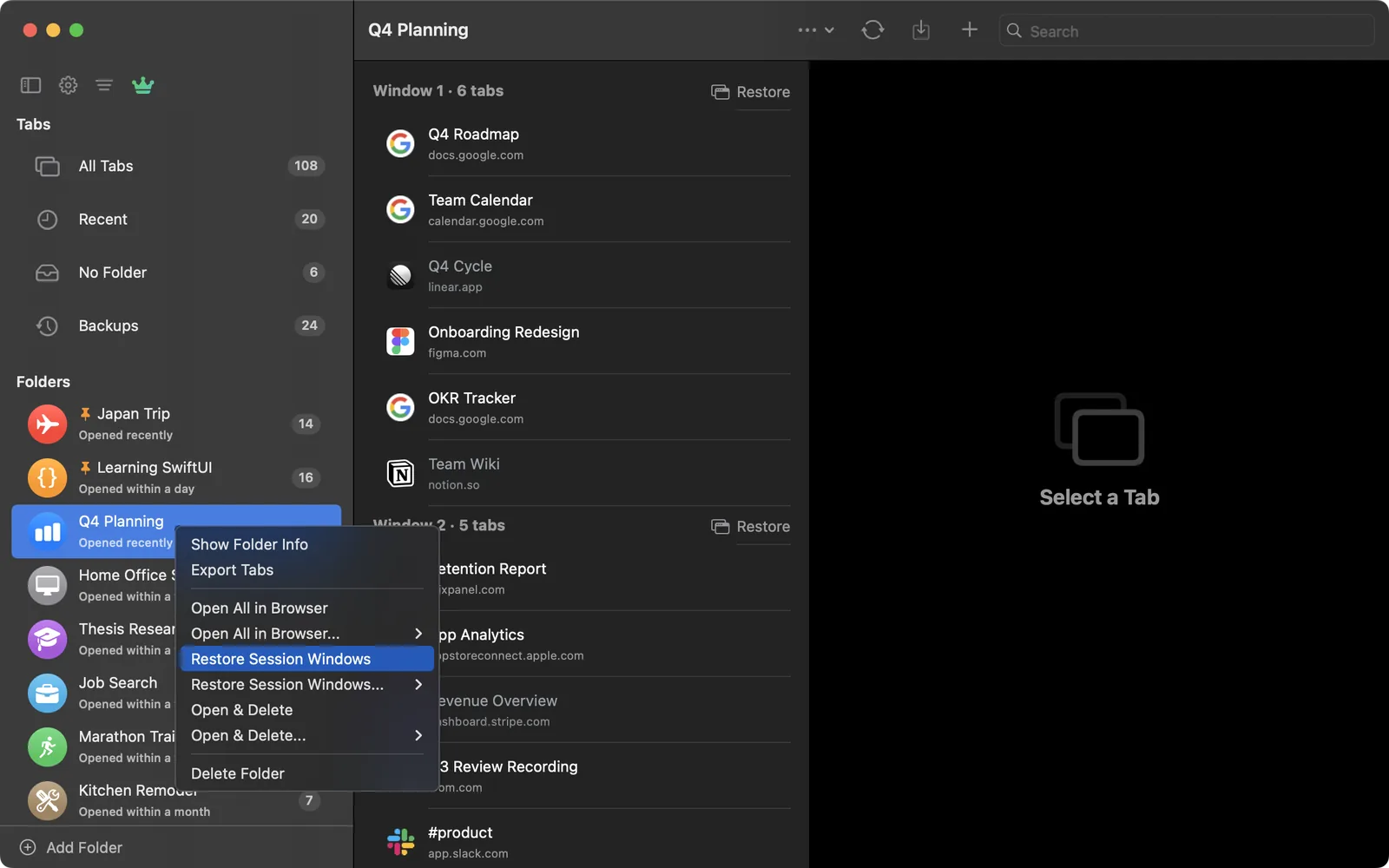
Reopen an entire research session in one click, or pick out just the window you need. Links open in whichever browser you prefer.
⌃⌥⌘S imports your tabs, ⌃⌥⌘T saves the current tab, and ⌃⌥⌘B backs up every window, from any app. Keep TabLinker in the menu bar instead of the Dock.
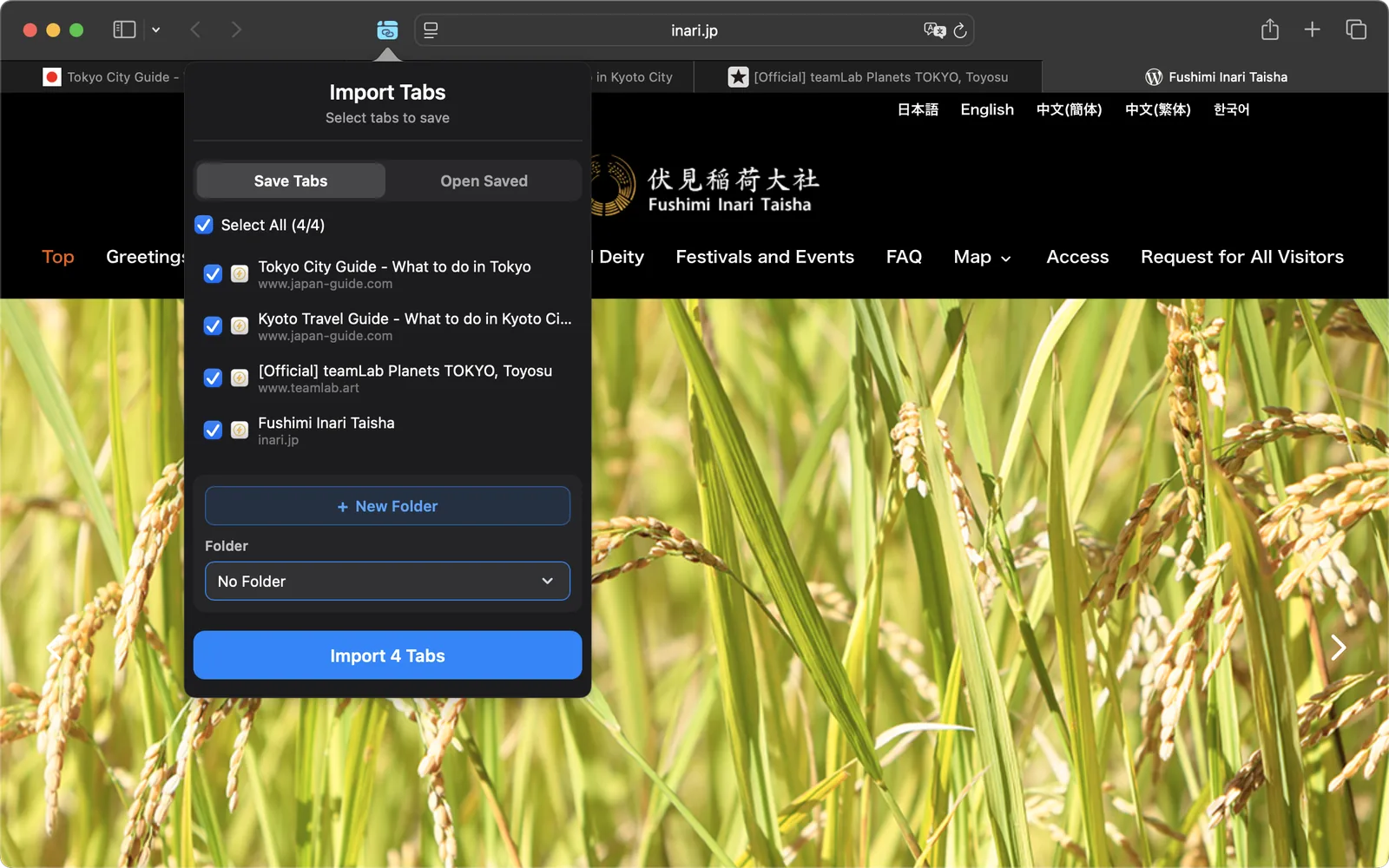
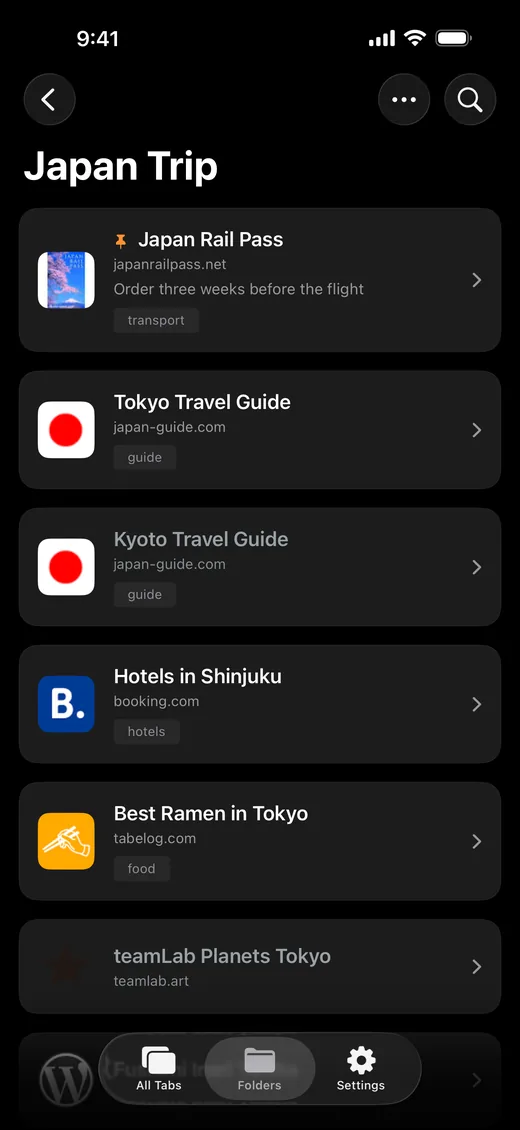
Save every open tab from Safari's toolbar on Mac, iPhone, and iPad, or reopen a saved folder's tabs in one tap.
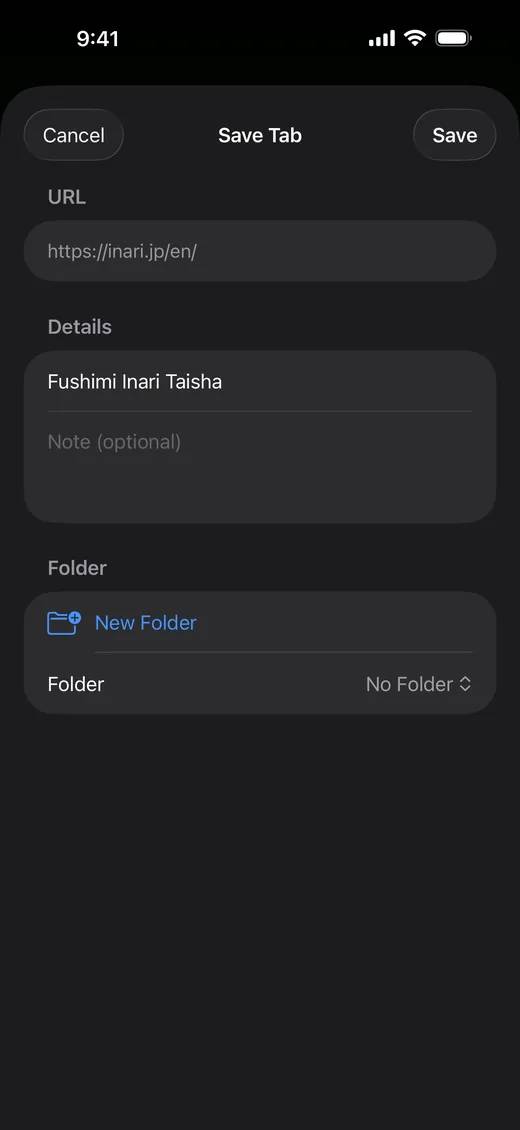
Grab the current tab with a keyboard shortcut on Mac, or save from any app on iPhone and iPad with the Share Sheet, which keeps each page's real title, even for YouTube.
Every import keeps its windows as separate groups, so a 150-tab session stays easy to read and each window can be restored on its own.
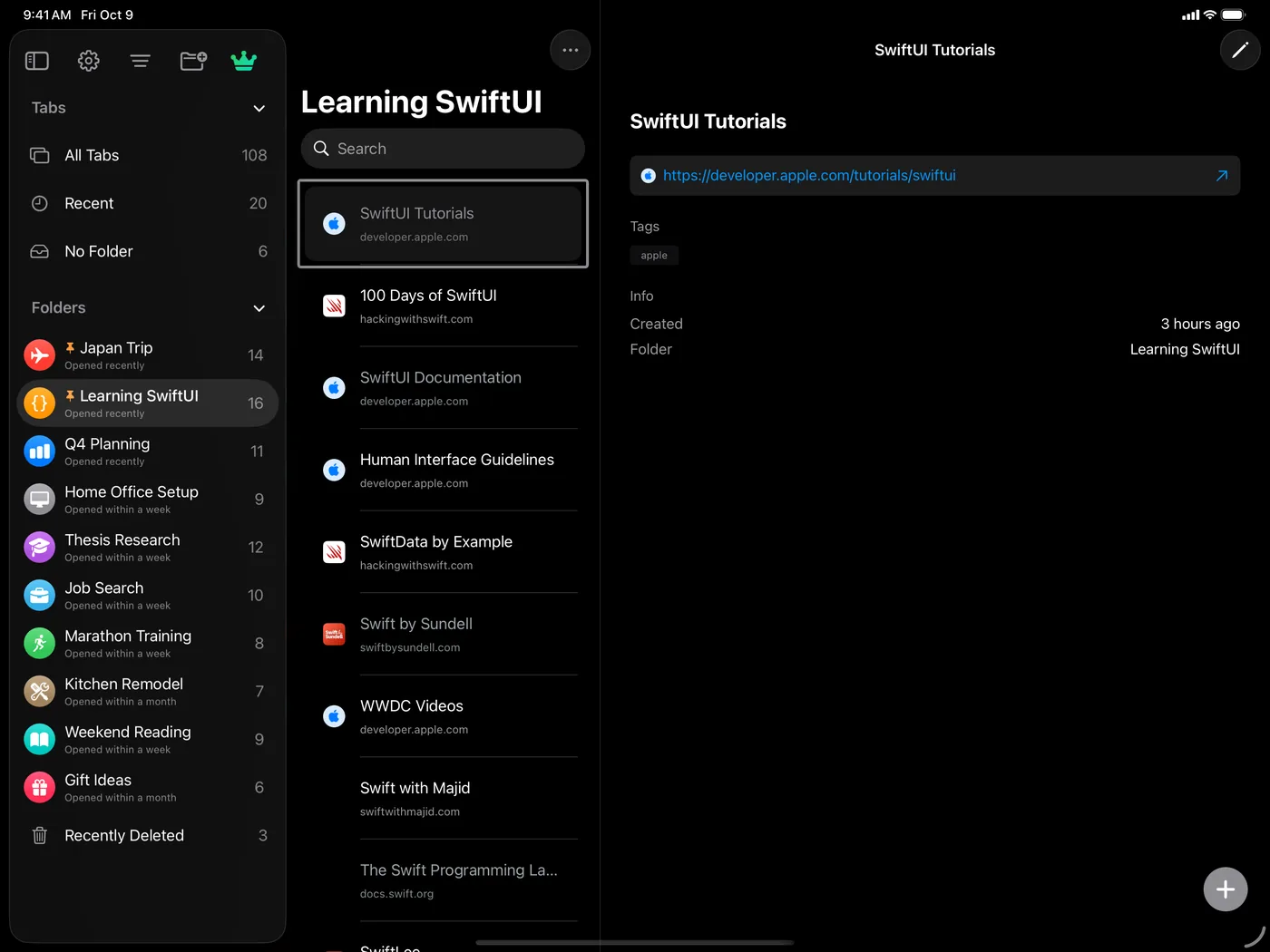
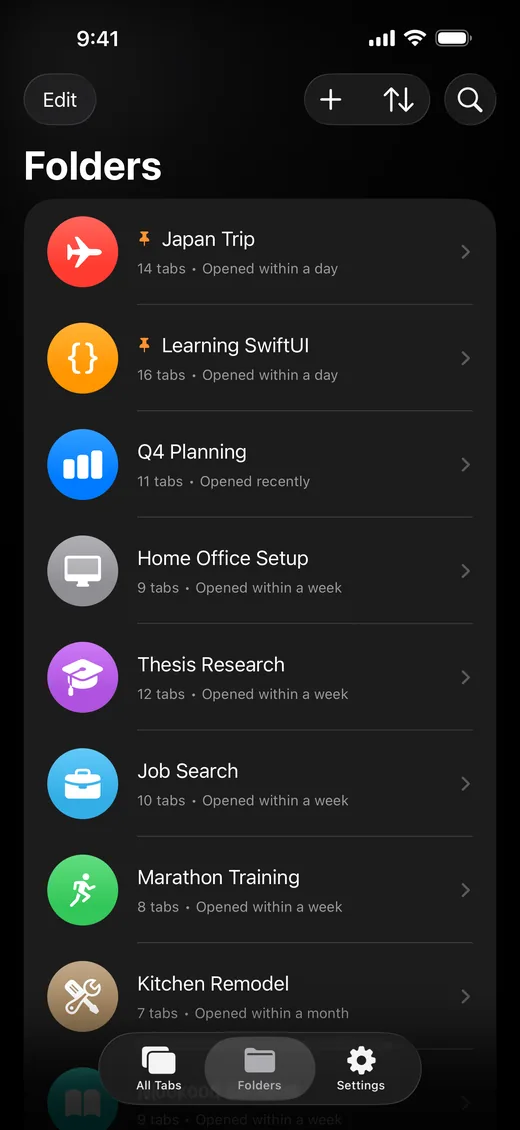
Organize with custom folder icons and colors, add tags and notes, and pin the folders you use most to the top of the list.
Move, delete, or refresh the titles of many tabs at once. On iPhone and iPad, just drag down the list to select a whole run of them.
Find any saved tab instantly by title, URL, note, or tag, without leaving the app. Your tabs show up in Spotlight too.
Smart title trimming drops site branding like “| Site Name”, pinned tabs can be skipped, and TabLinker can close the tabs it just saved.
Deleted something you needed? Anything you remove is recoverable for 30 days, the same way Reminders and Photos work.
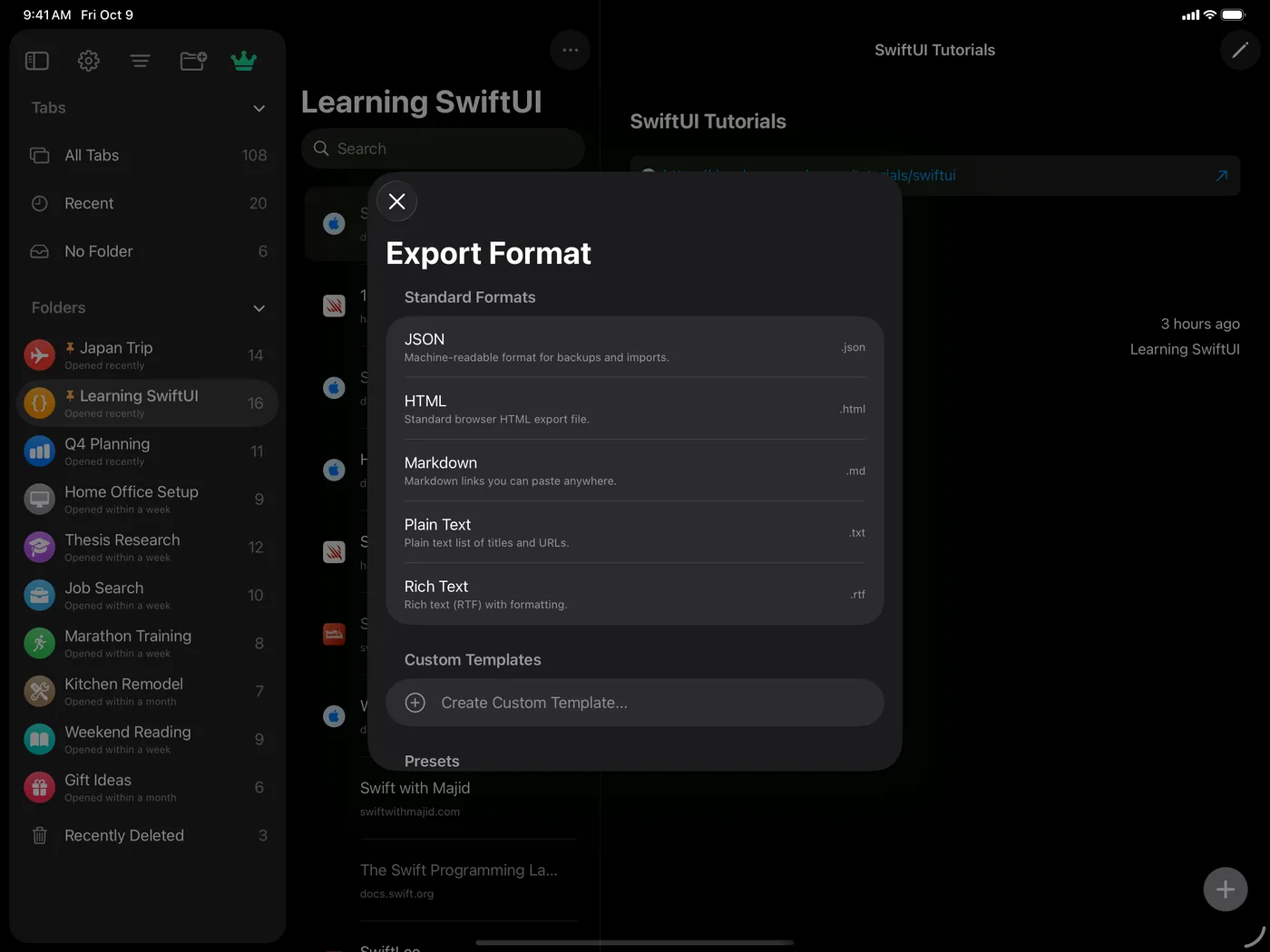
Export as JSON, HTML, Markdown, CSV, Plain Text, or Rich Text, or build your own layout with custom templates. Import from JSON, HTML, or a pasted list of URLs.
Automate TabLinker with Shortcuts actions that save a URL, create folders, and list a folder's tabs. On Mac they can also save all your open tabs or reopen a whole folder.
Everything syncs across iPhone, iPad, and Mac through your own iCloud account. No TabLinker account, no ads, no tracking.
Free for up to 50 tabs. Pro is a one-time unlock with no subscription, and keeps a week of Auto-Backup history.